

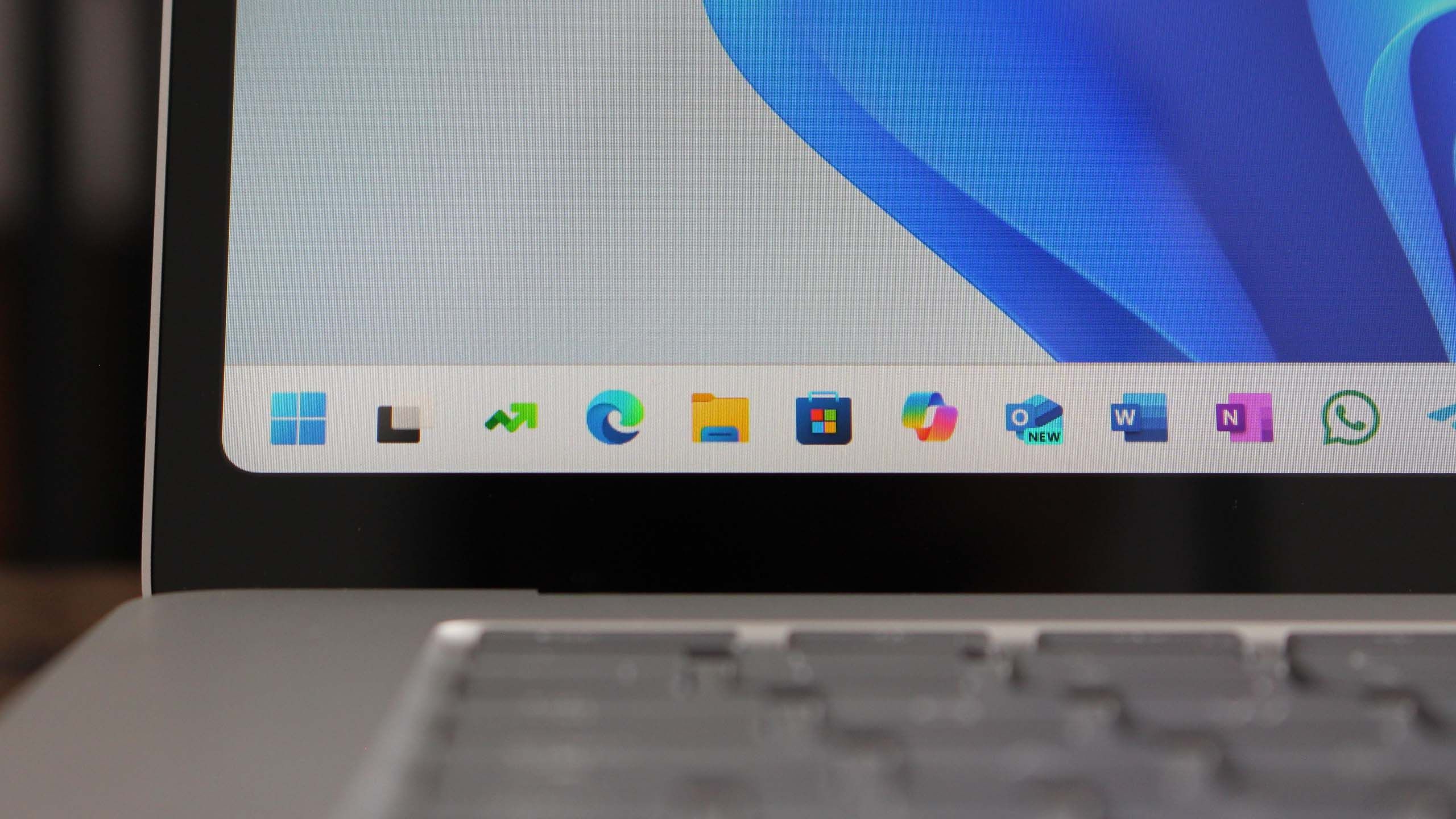
Microsoft has officially rolled out Windows 11 version 25H2, the latest update that promises to enhance user experience with several new features and improvements. As users continue to adapt to the new operating system, this update aims to address feedback and introduce enhancements that cater to both casual users and professionals.
One of the most significant aspects of the Windows 11 25H2 update is the focus on performance. Microsoft has worked diligently to optimize the system's speed and responsiveness. Users can expect quicker boot times, enhanced app launch speeds, and improved overall system stability. These enhancements are particularly beneficial for those who rely on their computers for demanding tasks, such as gaming or video editing.
New Features
This version introduces several new features that aim to streamline user interaction and increase productivity. One such feature is the revamped taskbar, which now includes a new notification center. This allows users to manage alerts and notifications more effectively, providing quick access to updates from both apps and the system.
Another noteworthy addition is the introduction of Snap Layouts and Snap Groups enhancements. These tools allow users to organize open windows more efficiently, making multitasking a breeze. Users can now save their preferred layouts and recall them at will, which is especially useful for those juggling multiple projects or applications simultaneously.
Security Enhancements
Security remains a top priority for Microsoft, and the Windows 11 25H2 update includes several critical security enhancements. The update strengthens built-in protection against malware and ransomware, providing an additional layer of safety for users’ data. Microsoft Defender now offers improved threat detection and is better at blocking malicious software before it can cause harm.
Furthermore, the update introduces new privacy features that give users more control over their data. Users can now manage app permissions more granularly, allowing for a tailored experience that prioritizes personal privacy.
User Interface Improvements
In addition to functional changes, the Windows 11 25H2 update also brings aesthetic improvements to the user interface. The overall look is refined, with enhanced icons and smoother transitions, creating a more cohesive experience. The updated settings menu is more intuitive, allowing users to navigate through options with ease.
Compatibility and Availability
Windows 11 version 25H2 is compatible with most devices that meet the minimum system requirements. Microsoft has ensured that the update can be easily installed via Windows Update, making it accessible to a wide range of users. To check for the update, users can navigate to Settings > Update & Security > Windows Update and select 'Check for updates'.
Overall, Windows 11 version 25H2 represents a significant step forward for Microsoft’s operating system, enhancing both functionality and user engagement. With improved performance, heightened security measures, and a more user-friendly interface, this update is poised to elevate the Windows experience to new heights. Whether you are a casual user or a professional, the features included in this update are designed to provide a smoother, more efficient computing experience.
Source: Windows Central News